
Stop snoozing and start your day
Complete physical and mental challenges to turn off your alarm

- 01
Set your alarm
Pick a time and a sound, then choose up to 4 challenges to complete in a row.
- 02
Finish the challenge(s)
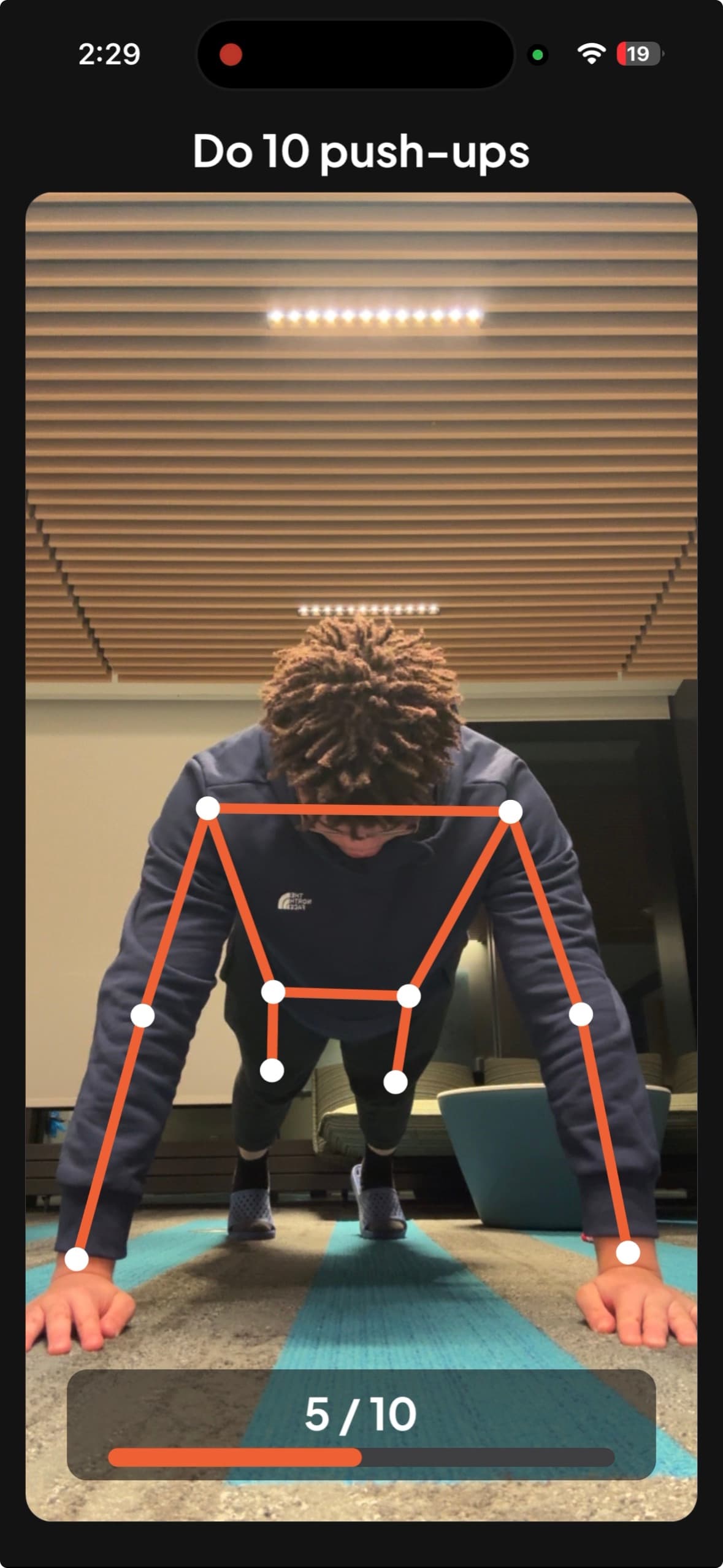
When the alarm rings, the only way to turn it off is to complete every challenge you chose.
- 03

You're up
By the time you're done, you're out of bed and awake. Your streak grows, and the snooze button loses.
16 ways to wake up
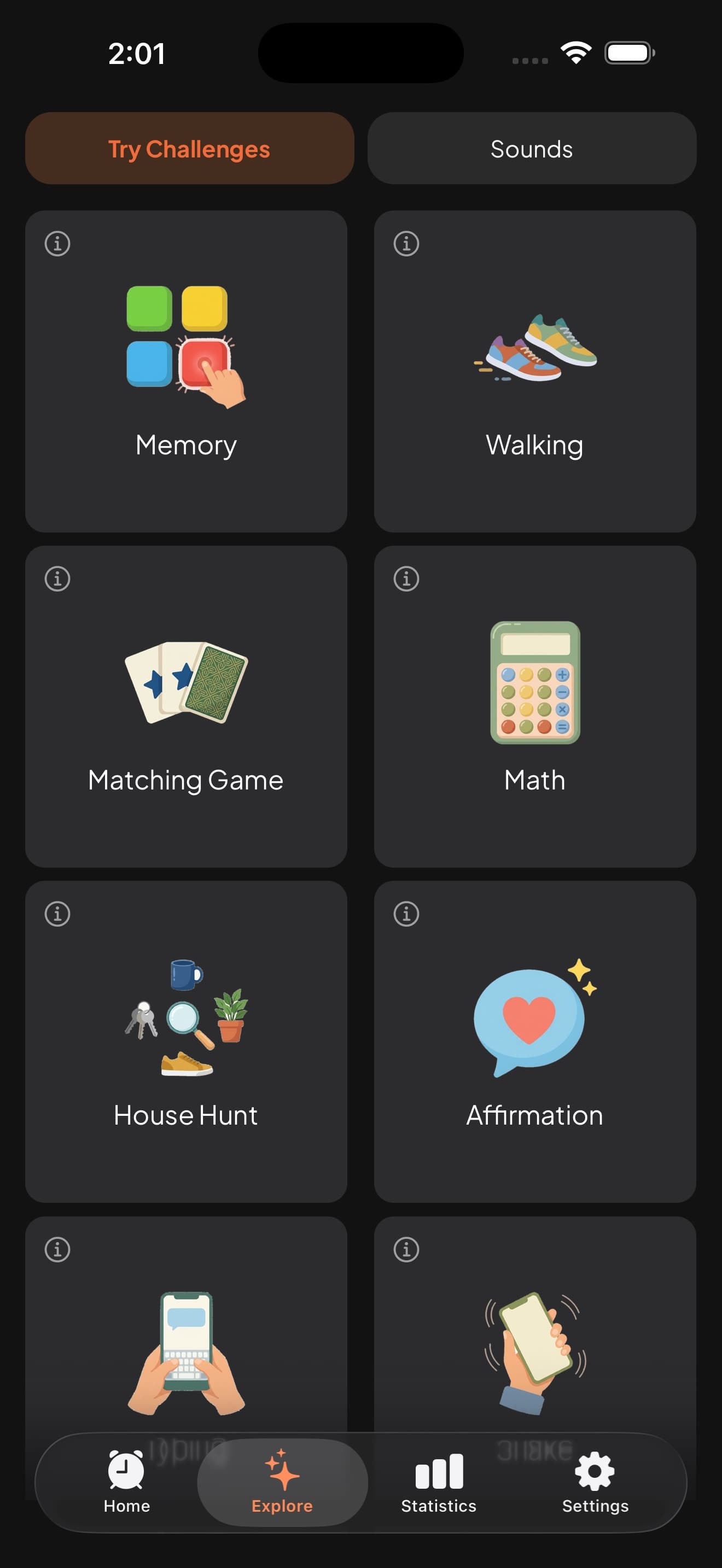
Each challenge has its own settings, from how many push-ups to how hard the math gets.
Body
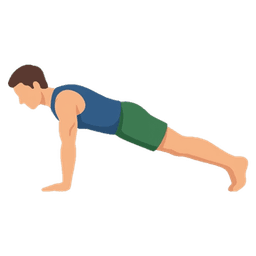
- Push-upsDo some push-ups.
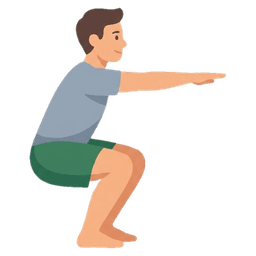 SquatsDo some squats.
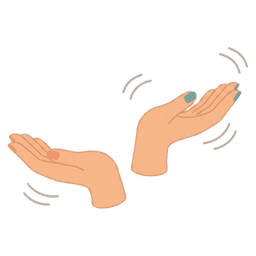 67Bounce your hands up and down, 67 style.
 WalkingWalk a set distance.
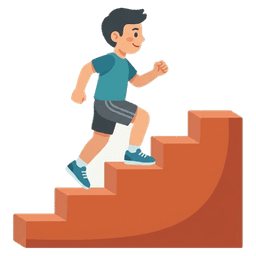 Stair ClimbWalk up or down the stairs.
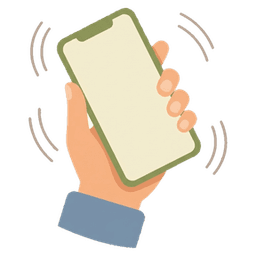 ShakeShake your phone up and down.
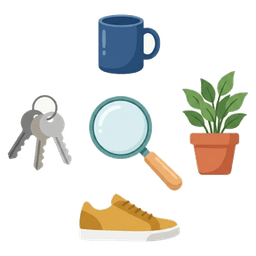 House HuntWalk around and find the target object.
 Barcode ScanFind and scan a barcode.
Brain
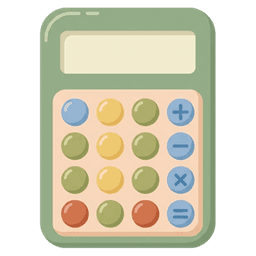 MathSolve arithmetic problems.
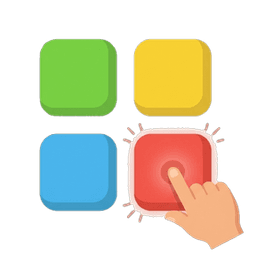 MemoryRepeat a short sequence of taps.
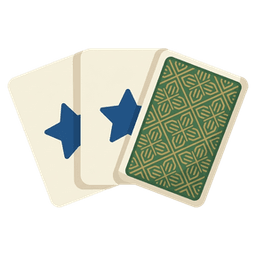 MatchingFind matching pairs of cards.
 UnscrambleUnscramble words to wake up your brain.
 TypingType out a sentence.
 Tap PatternFeel the vibration, then tap it back.
 Cup ShuffleWatch the ball, then find the right cup.
 AffirmationSay an affirmation out loud.
Built to actually get you up
Rings until you're really up
Dismiss it from the lock screen, close the app or lock your phone mid-challenge, and it rings again until you finish.
Snooze on your terms
Allow snoozing or turn it off. Set how long and how many times. The challenge picks up where you left off.
Streaks that keep you going
Build a wake-up streak, earn achievements and watch your mornings improve with detailed statistics.
Loud enough to wake anyone
25+ LOUD alarm sounds guaranteed to wake you up. You can also import a song or record your own message.
FAQ
Which devices does it work on?
Unsnooze is available for iPhone with iOS 26 or later. It uses Apple's AlarmKit, which is new in iOS 26, so your alarms ring as reliably as the built-in Clock app.
Will my alarm ring if my phone is on silent or the app is closed?
Yes. Alarms ring on the lock screen, through Silent mode and Focus, even when Unsnooze is closed. If you can't hear it, check the ringer volume under Settings → Sounds & Haptics.
Can't I just turn it off?
The lock screen's Stop button opens Unsnooze, and the alarm rings again if you don't finish your challenge. For real emergencies there is an Emergency Stop, but that morning won't count toward your streak.
Can I still snooze?
Only if you allow it. Each alarm has its own snooze settings: on or off, how long, and how many times.
Can I try a challenge before using it?
Yes. In the Explore tab, open Try Challenges to try any challenge without setting an alarm. Practice runs don't count toward your streak.
Still have a question?
Contact us